UAE tax invoice format: mandatory fields
| Field | What to show |
|---|
| Title | The words “Tax Invoice” |
| Supplier | Your name, address and Tax Registration Number (TRN) |
| Customer | Name, address and TRN (if VAT-registered) |
| Invoice number | Unique and sequential |
| Dates | Date of issue and date of supply (if different) |
| Description | Goods or services supplied, with quantity and unit price |
| VAT | Rate (5%) and VAT amount per line; any discount |
| Totals | Total excluding VAT, total VAT and total payable, in AED |
Keep a copy of every invoice for at least five years. For the full walkthrough, read how to create a VAT invoice in the UAE.
Simplified tax invoice format
If your customer is not VAT-registered, or the supply is AED 10,000 or less, you may issue a simplified tax invoice. It needs the words “Tax Invoice”, your name, address and TRN, the date, a description of the supply, and the total including VAT with the VAT amount. The customer’s details are not required. Details in simplified tax invoice in the UAE.
Credit notes
To correct or cancel an invoice, issue a tax credit note that refers to the original invoice number, states the reason and shows the VAT adjusted. Never overwrite an issued invoice.
Make a compliant invoice in one minute
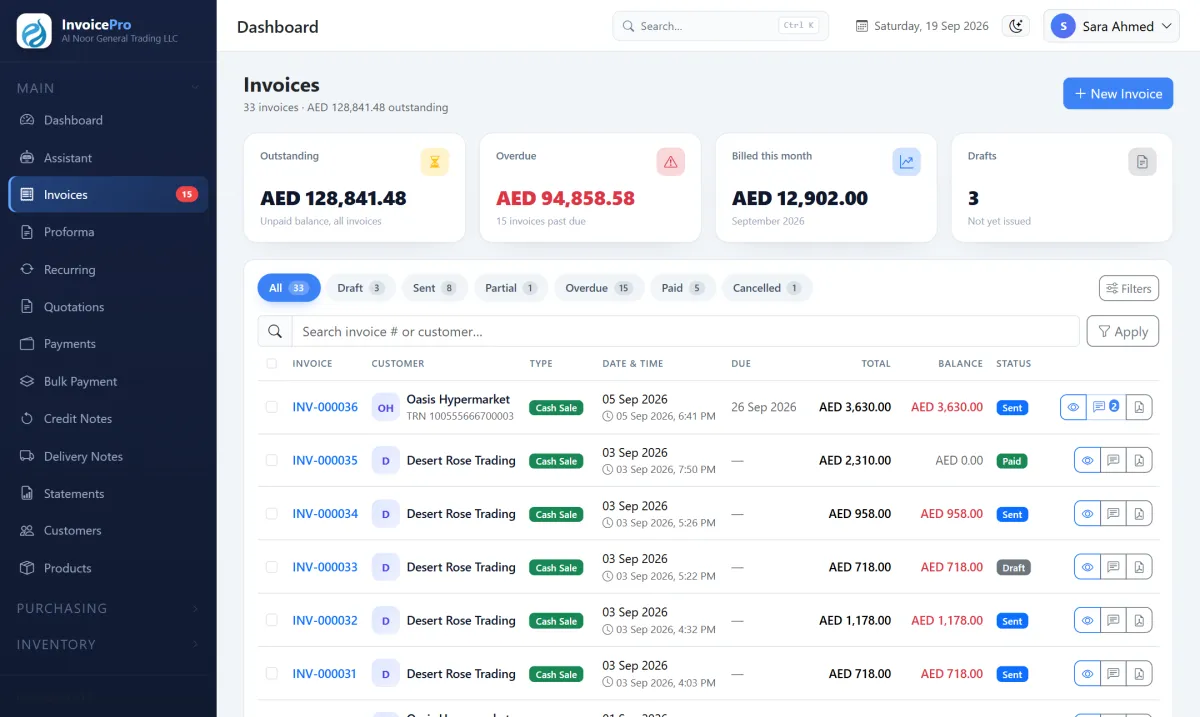
Use our free tax invoice generator — enter your TRN, customer and items and download the PDF with VAT calculated per line. For regular invoicing, InvoicePro saves your customers and products, numbers invoices sequentially and prepares your VAT figures.